

Some customers who purchased UGODE Android screens for Mercedes-Benz, BMW, and Audi, which come with wireless CarPlay and Android Auto functionality, are unsure how to upgrade their MCU software when the upgrade is needed.
The procedure for upgrading the MCU software is as follows:
1. Unzip the archive.
2. Copy the “mcu_update.bin” file to the root directory of the USB flash drive.
3. Plug the USB flash drive into the USB port on your Android device, then go to Settings to perform the update.
4. Once the update is complete, the Android device will restart. You can then remove the USB drive.
( Note: NOT power off during update, or it break unit)
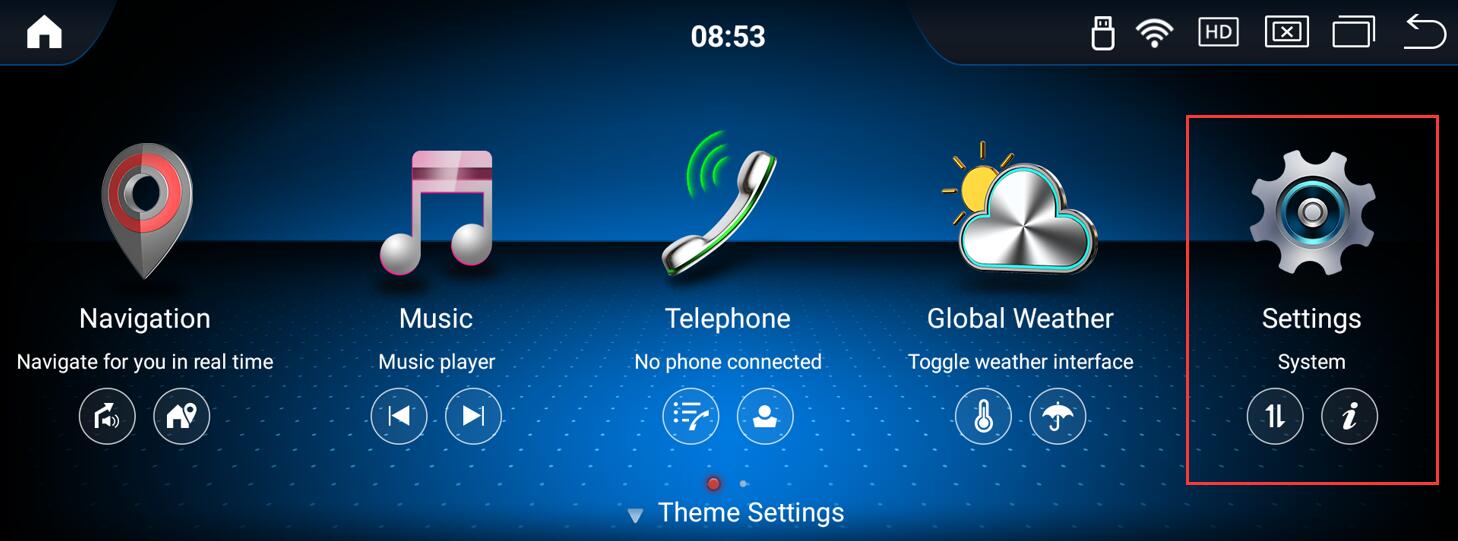
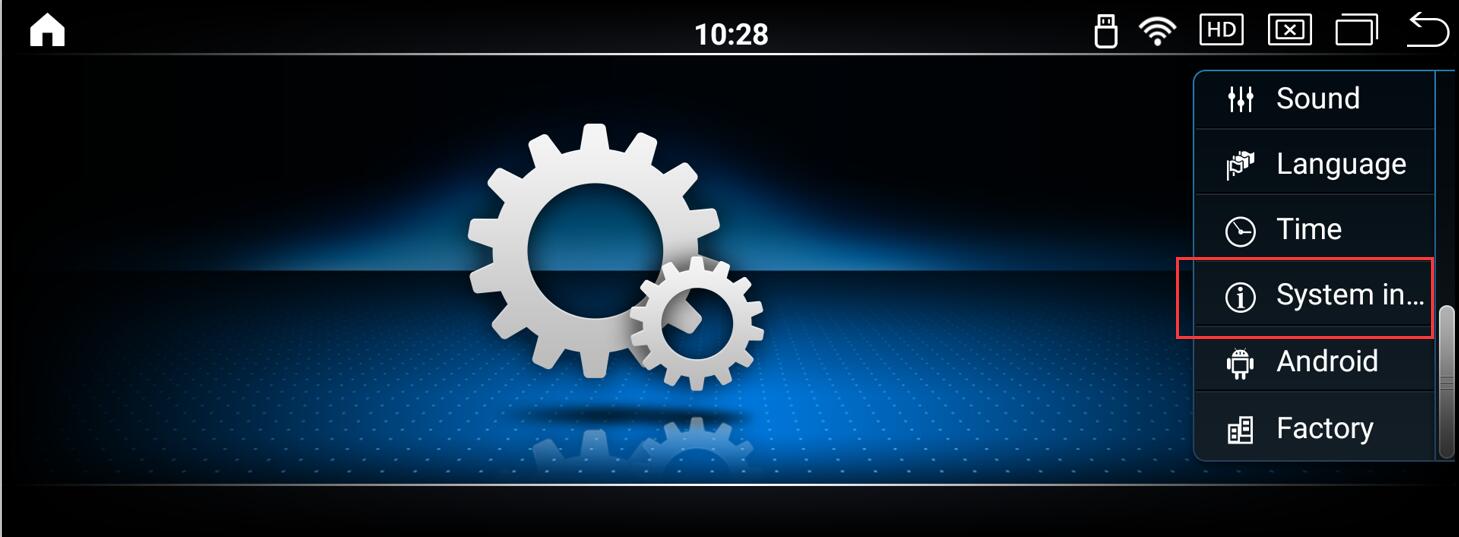
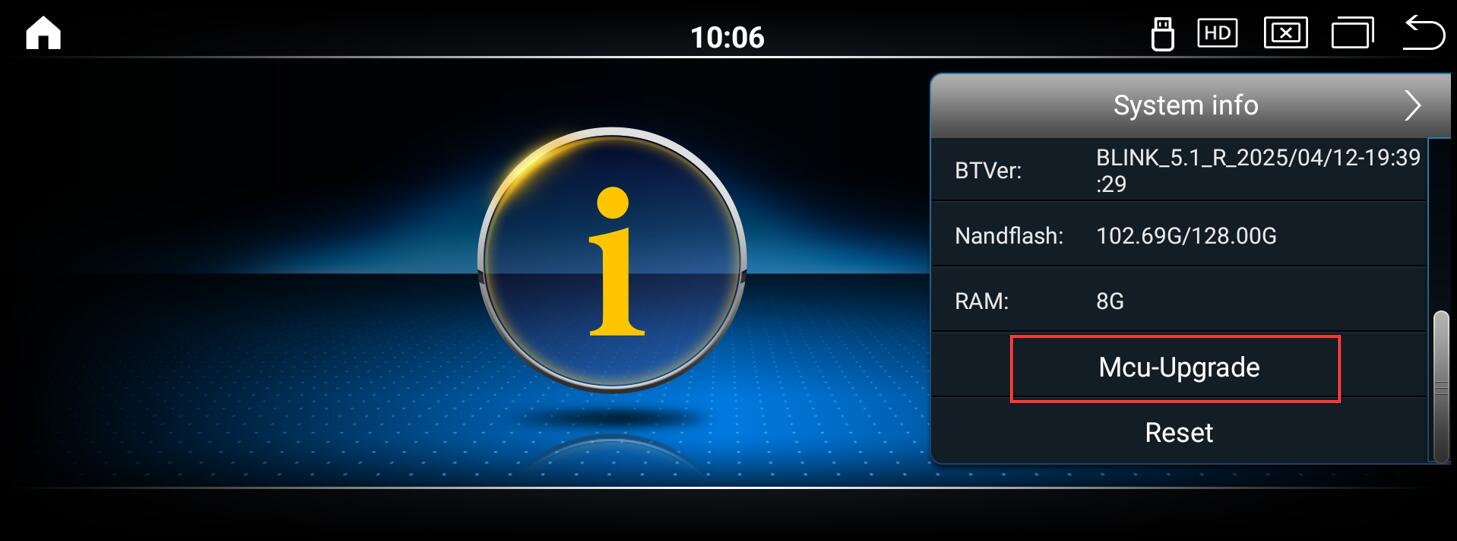
The following instructions use the Mercedes-Benz Android screen as an example; while BMW and Audi have different user interfaces, the method and steps are the same.
Route:Settings-System info-MCU-Upgrade
Post time: Aug-14-2026