

Some customers who purchased the UGODE Mercedes-Benz, BMW, and Audi Android screens with wireless CARPLAY and Android Auto functionality report that navigation voice prompts are absent when listening to the original radio.
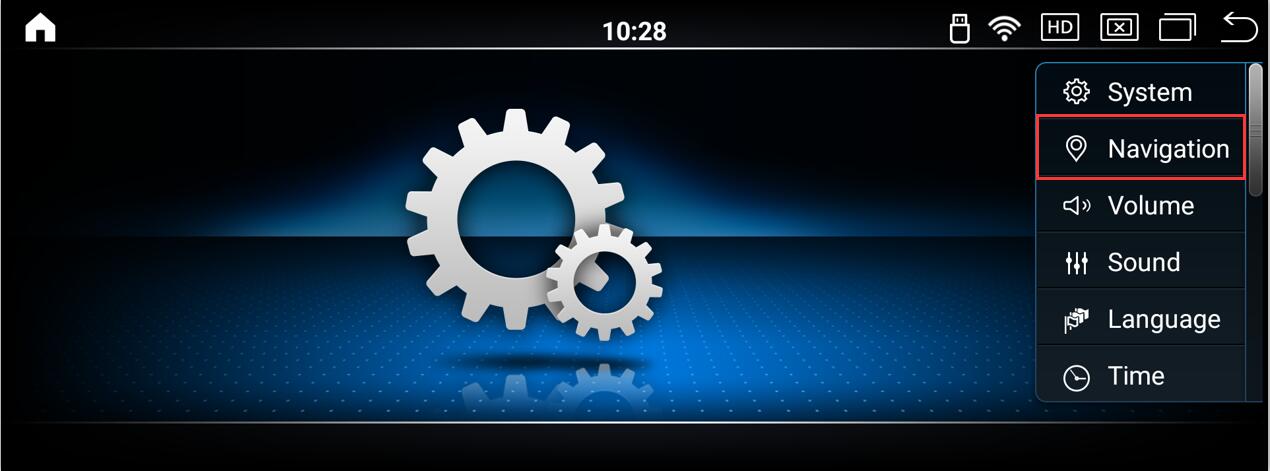
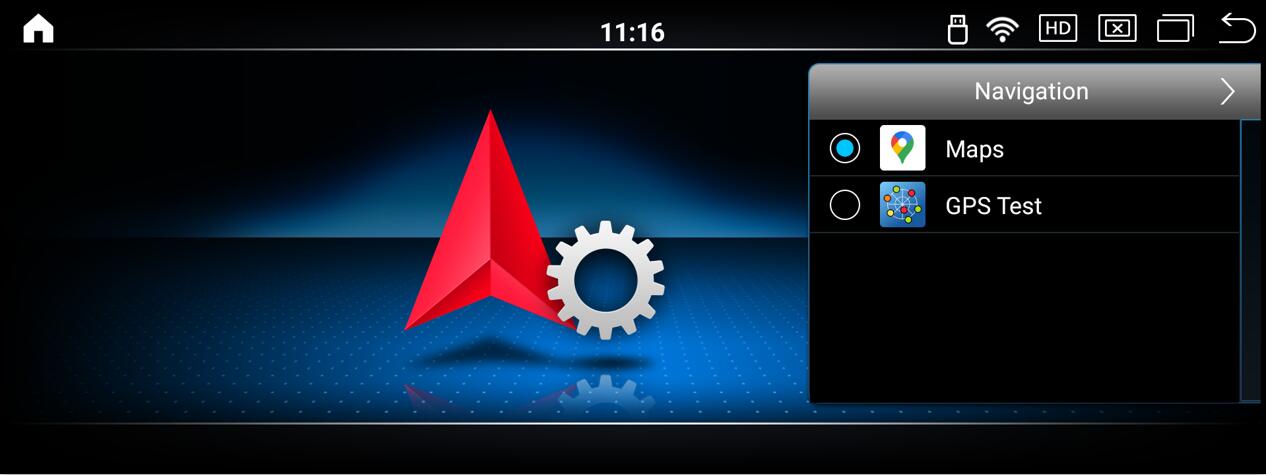
1.Go to Android Settings, then select the navigation app you want to use in the navigation path.
Route:Setting->Navigation-> Select Navi APP you want.
Note: The UI differs between Mercedes-Benz and BMW, but the route is the same.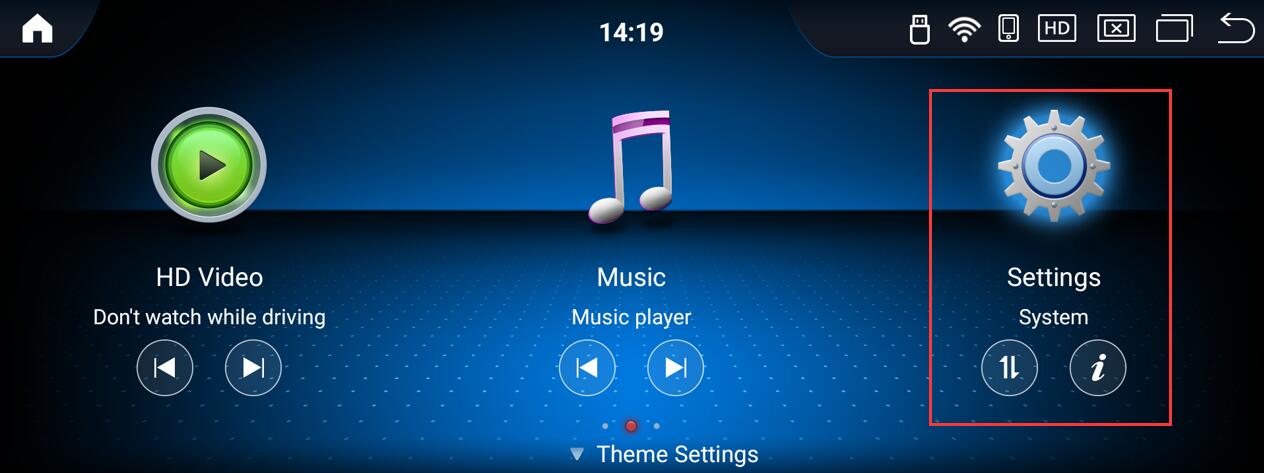
2.Click the navigation icon on the Android main interface to enter the navigation.
Note:
1. When using CarPlay or Android Auto navigation, voice prompts are only available within the navigation interface. Voice prompts will be disabled when switching back to the vehicle’s original interface.
2. When using CarPlay or Android Auto navigation, incoming calls will automatically switch to the call interface. Calls cannot be answered within the navigation interface.
Post time: Dec-09-2025