

Some customers who purchased the UGODE Mercedes-Benz NTG5 monitor with wireless CarPlay and Android Auto functionality discovered during installation that the original vehicle USB port did not recognize the USB-AUX audio adapter. Please refer to the following solution to resolve this issue.
1. The original car usually has two USB ports. The USB-AUX audio adapter should be inserted into the data port, not the charging port.
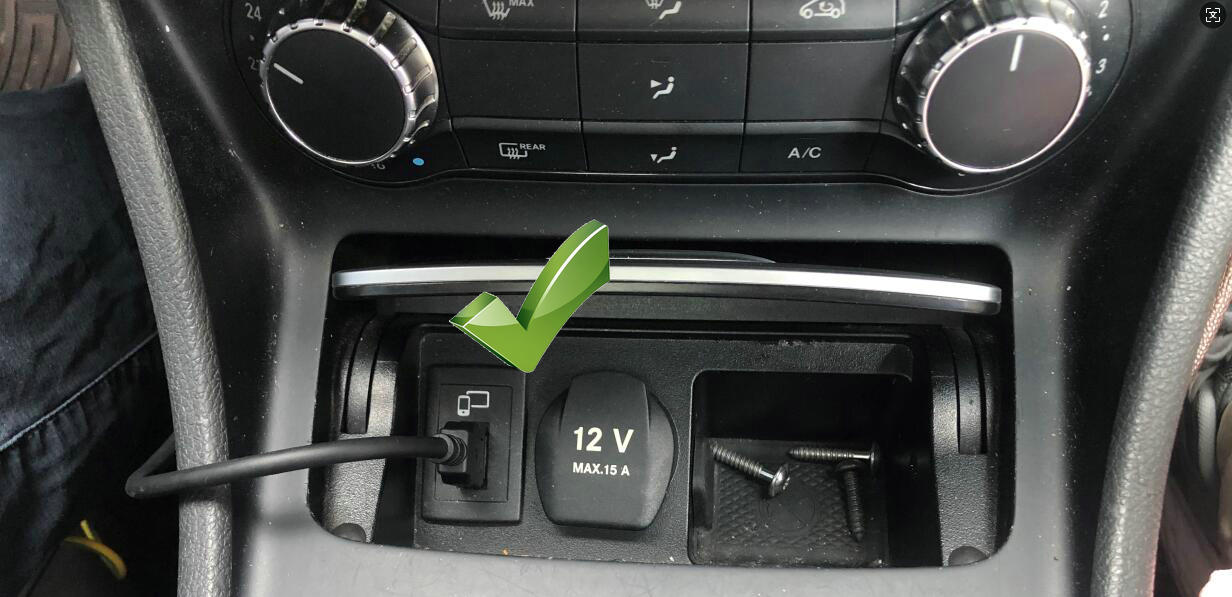
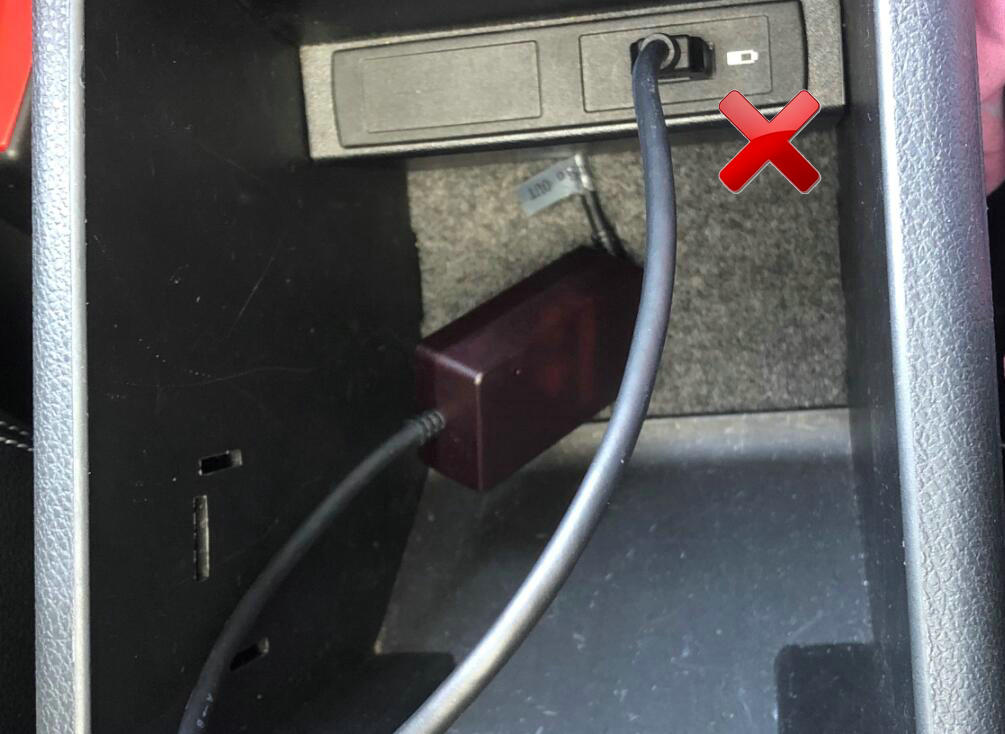
2. Check the operating mode of the SUB-AUX audio adapter.
The USB-AUX audio adapter for Mercedes-Benz NTG 5.0, 5.1, 5.2, and 5.5 models operates in constant light mode. If the indicator light is flashing, switch it back to constant light mode. Click here for details.
3.Use UGODE’s USB Bluetooth transmitter box. Click here for details.
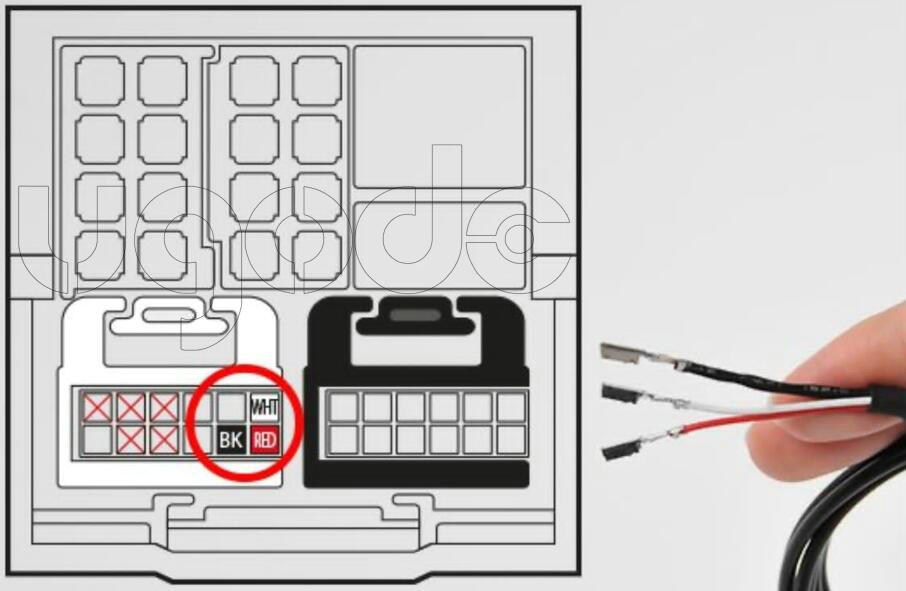
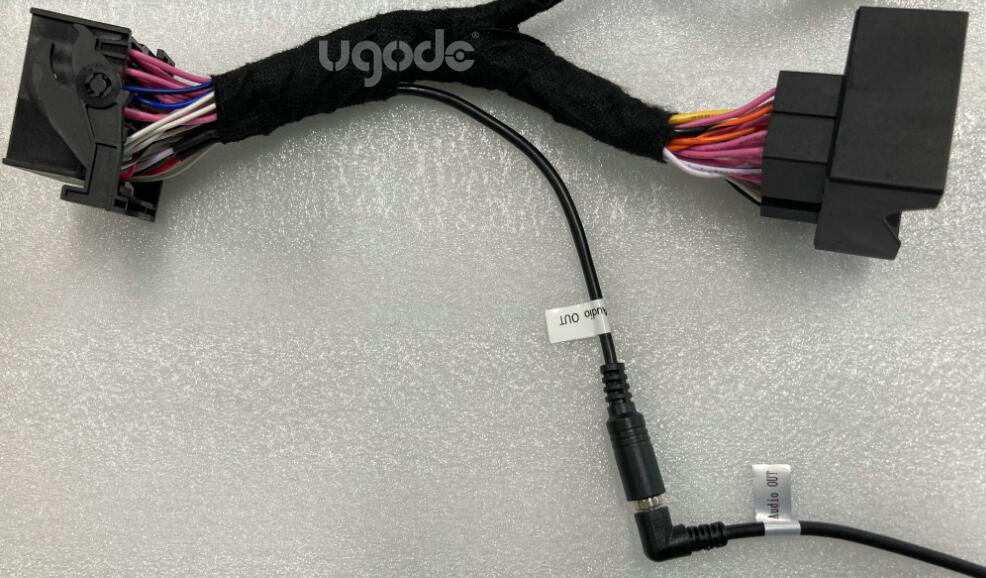
4.If your car has an AUX option, you can connect the audio to the AUX channel by changing the PIN pin of the Android cable.
Note: This method cannot be used if the original car does not have AUX option.
Post time: Oct-27-2025