

Some customers purchased the UGODE Mercedes-Benz Android screen with wireless CARPLAY and Android Auto functionality, only to discover abnormal display issues on the original interface after installation.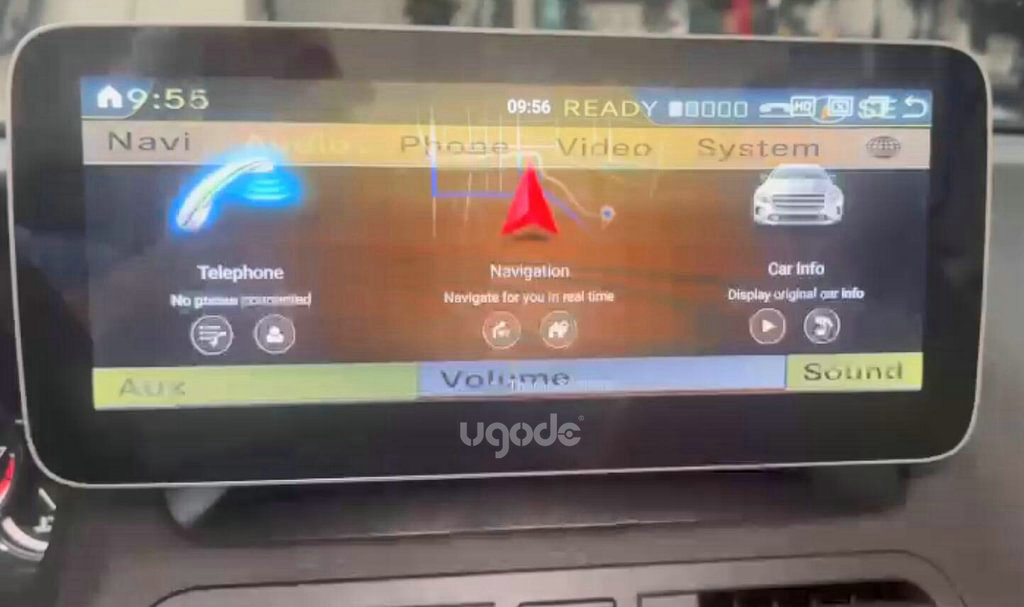
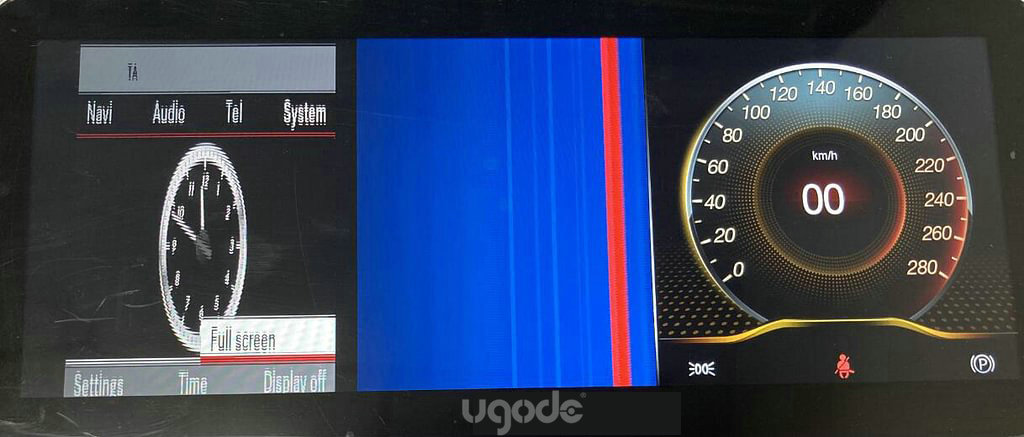
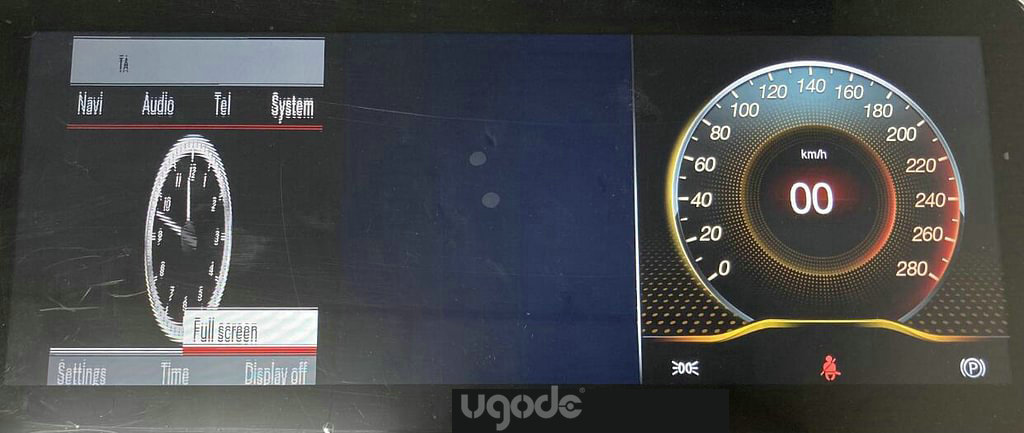
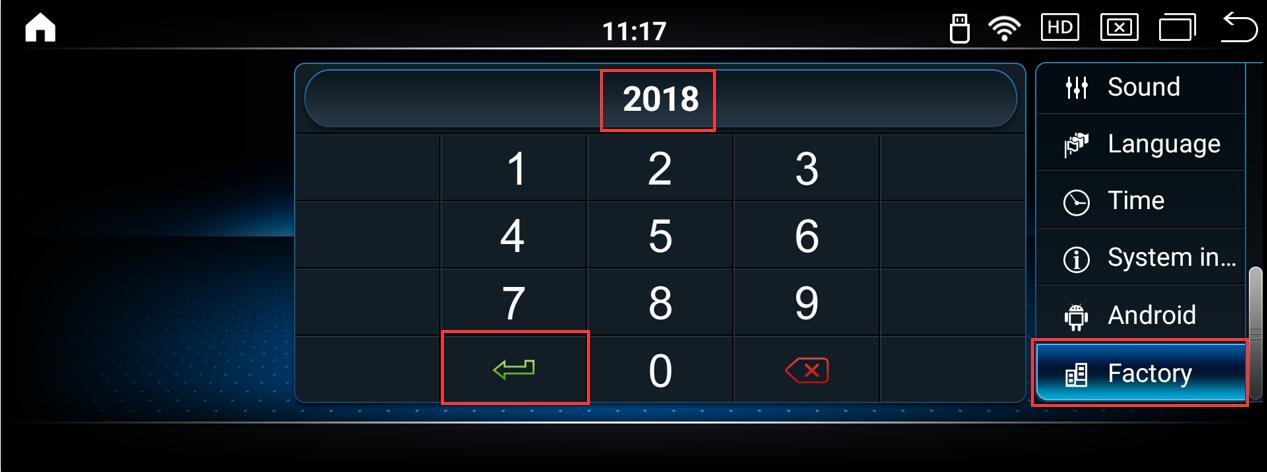
This issue is typically caused by incorrect original screen parameter settings. To resolve it, enter Android factory mode and select the vehicle display option.
For Mercedes Benz 3.0 system, please select 21/22/23/24.
For Mercedes Benz 3.5 system, please select option 19/20.
For Mercedes-Benz 4.0 system, please select 13/14/15/16/29/30.
For Mercedes Benz 4.5 and 4.7 systems, please select 11/12/13/14/17/18.
For Mercedes-Benz 5.0, 5.1, and 5.2 systems, please select 05/06/07/08/31.
For Mercedes Benz 5.5 system, please select 01/02/03/04/09/10/28.
For Mercedes-Benz 6.0 system, please select 25/26/27/28.
Routes:Settings-Factory (Password: 2018)-Vehicle display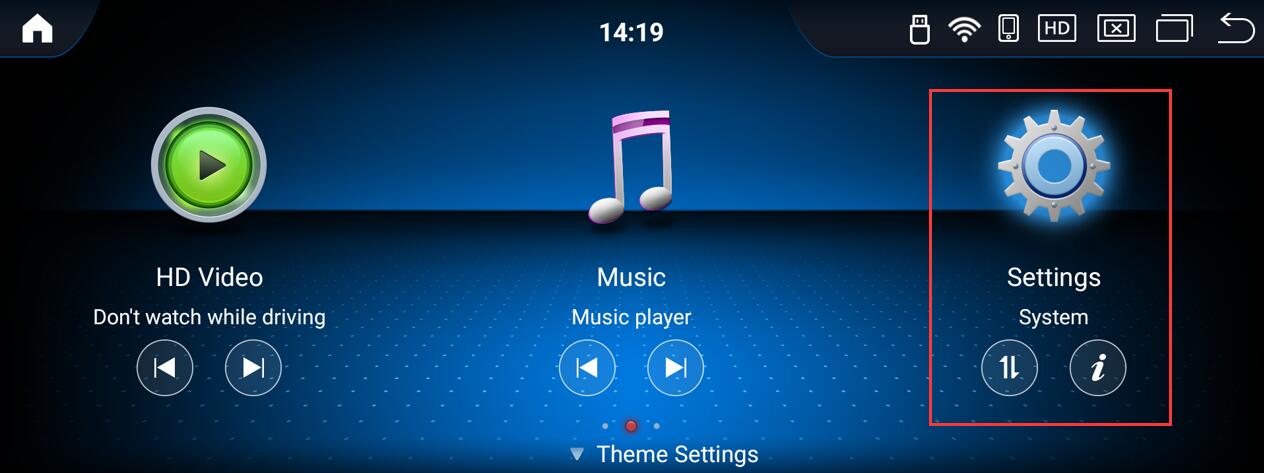

Note:
After selecting the correct option, the original interface will display normally. However, when returning to the Android interface, abnormal phenomena may occur on the screen, with residual images from the original interface appearing in the background. The display may flicker during reverse gear operation. In such cases, simply leave the Android interface idle for 20-30 minutes, and the screen will automatically recover.
Post time: Dec-09-2025