

UGODE BMW Android Display (MIPI version): The vehicle settings options differ from previous versions. It features adaptive resolution, which automatically detects the original display parameters, eliminating the need to select them individually.
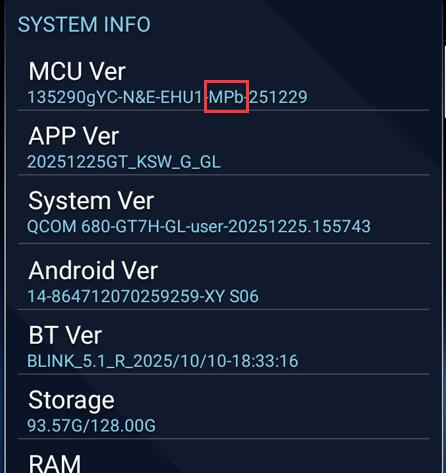
Note: Only Android screens with the “MPb” designation in the MCU version support the adaptive resolution feature.
Path to view the MCU version:SETTINGS-INFORMATION
Steps for vehicle display settings:
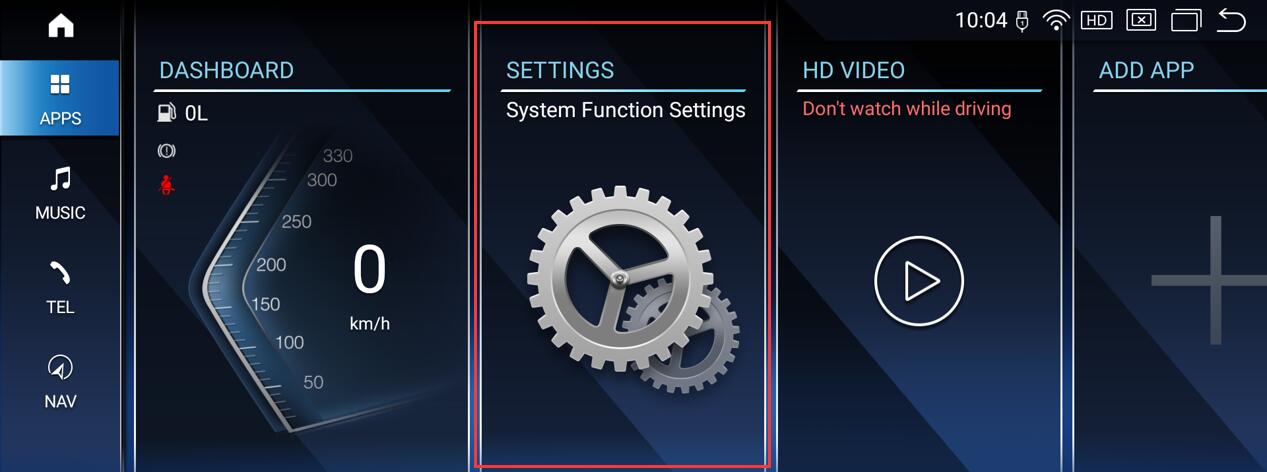
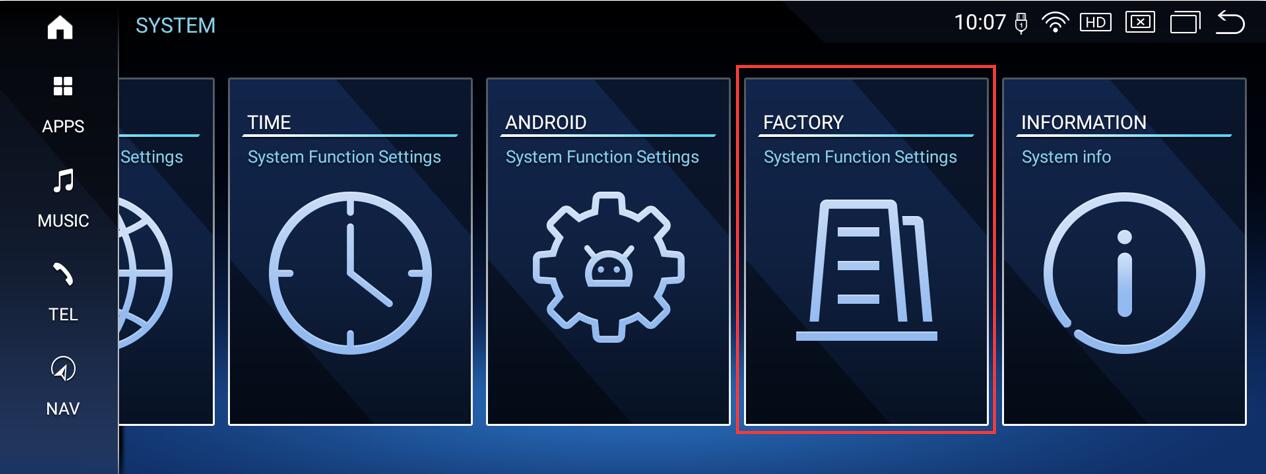
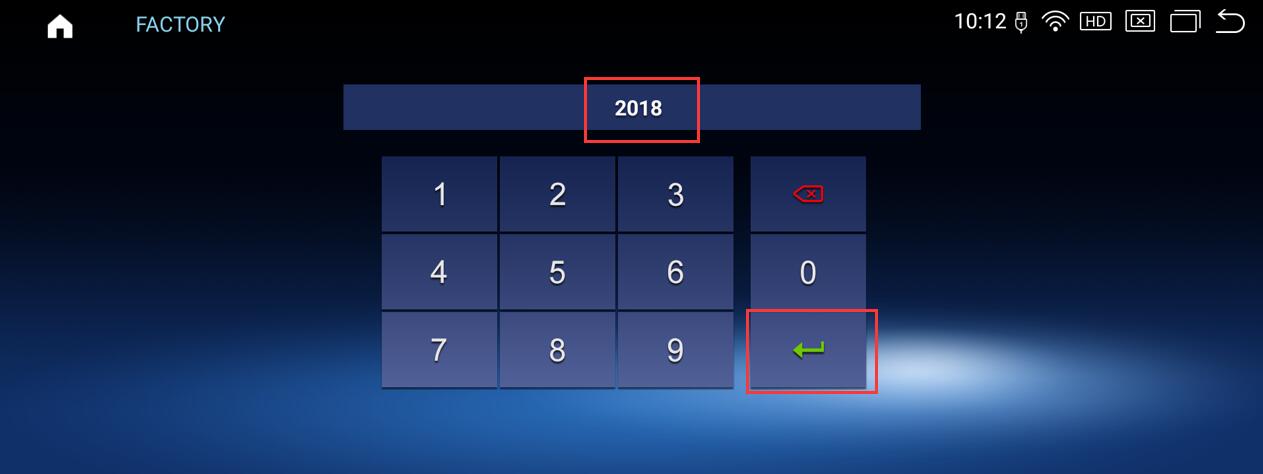
Routes:SETTINGS-FACTORY (Password: 2018 or 1314)-Vehicle display
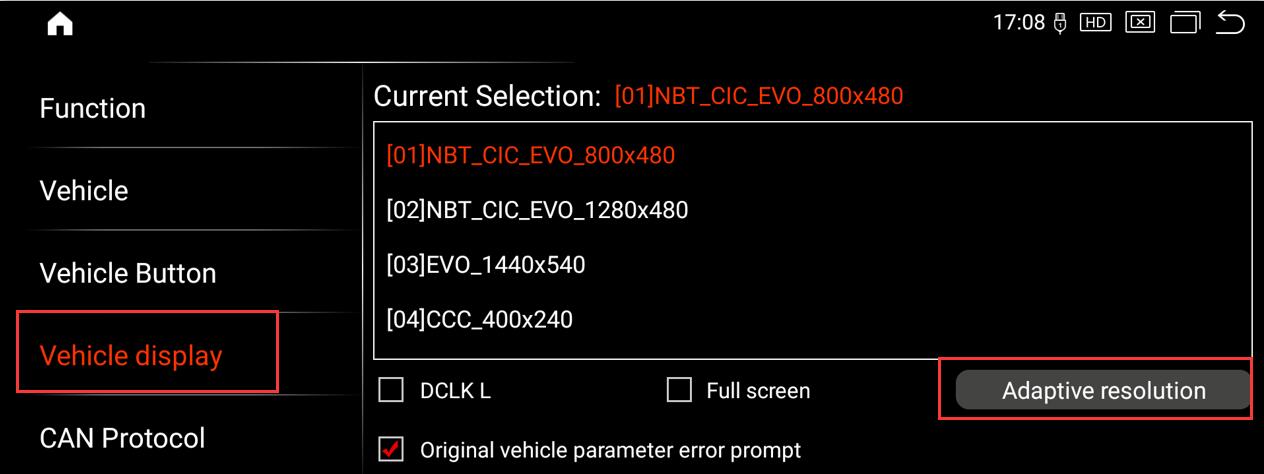
Important notes:
1.This option is applicable only to BMW models equipped with ClC, NBT, or EVO systems. For BMW models with the CCC system, you must manually select parameters 4, 5, 6, or 7 until the original interface displays
correctly.
2.Do not select the “DCLK L” option unless you experience slight flickering or color artifacts on the original interface.
Post time: Apr-16-2026